ALSVIOR GLOBAL

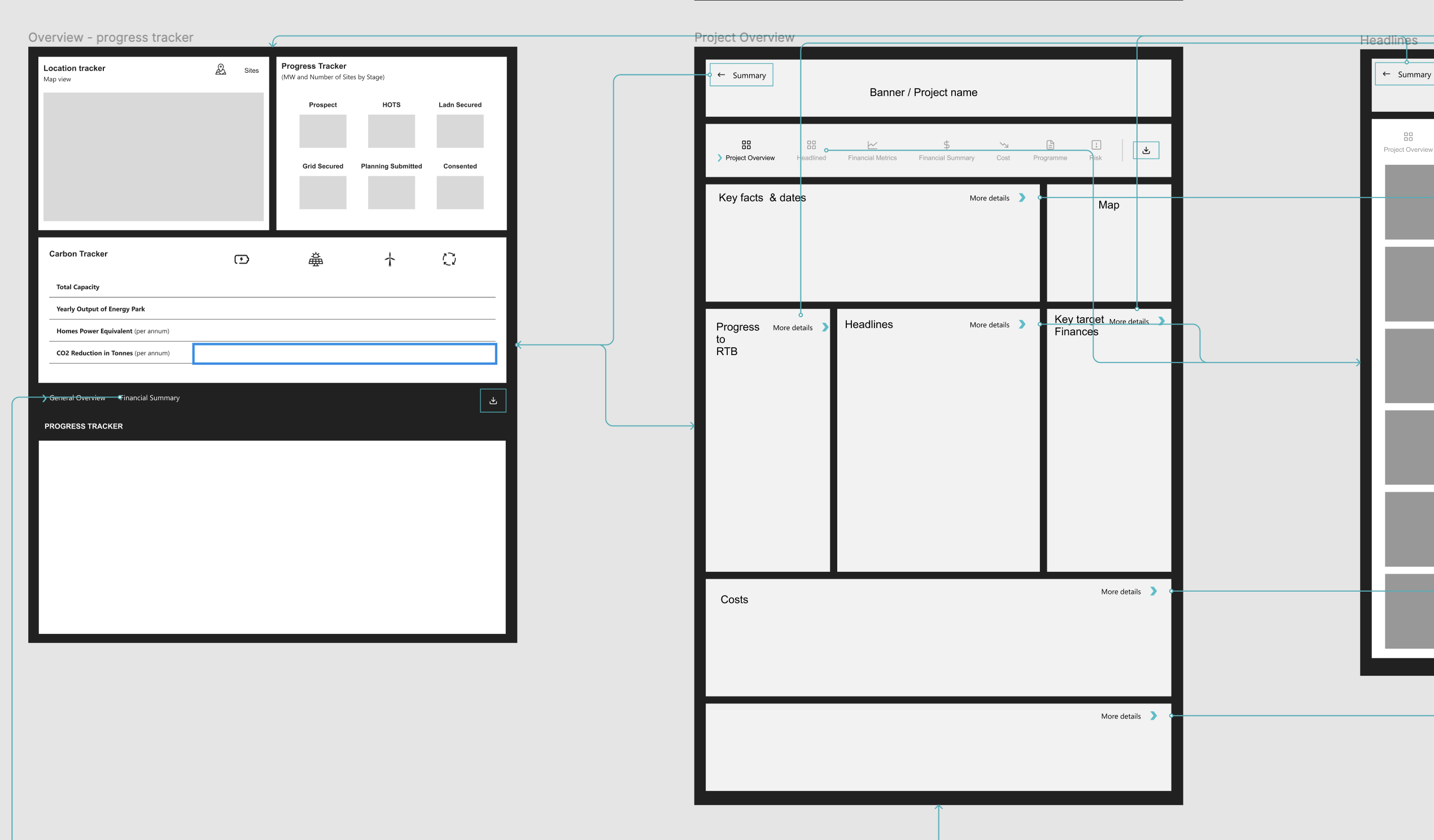
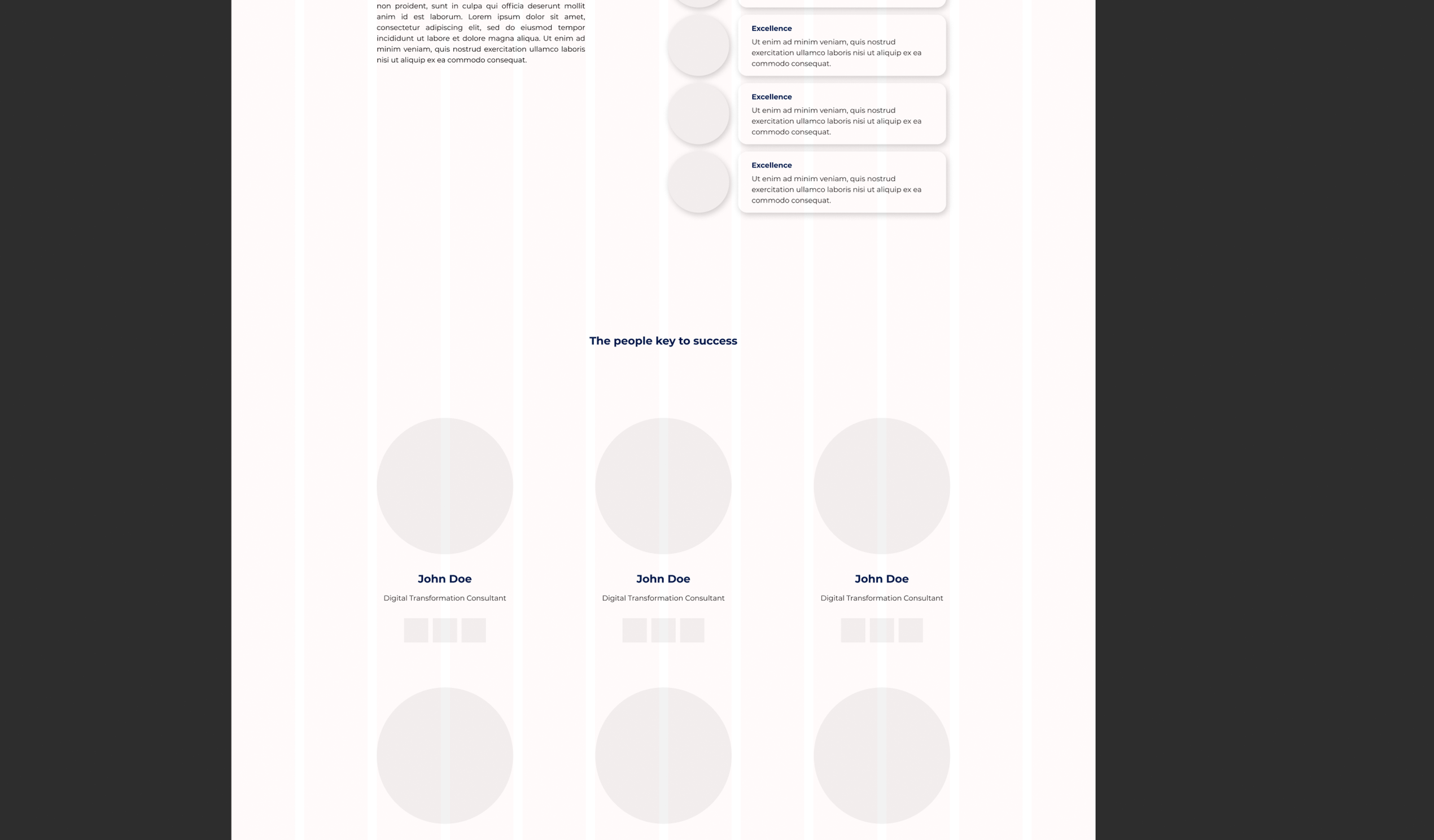
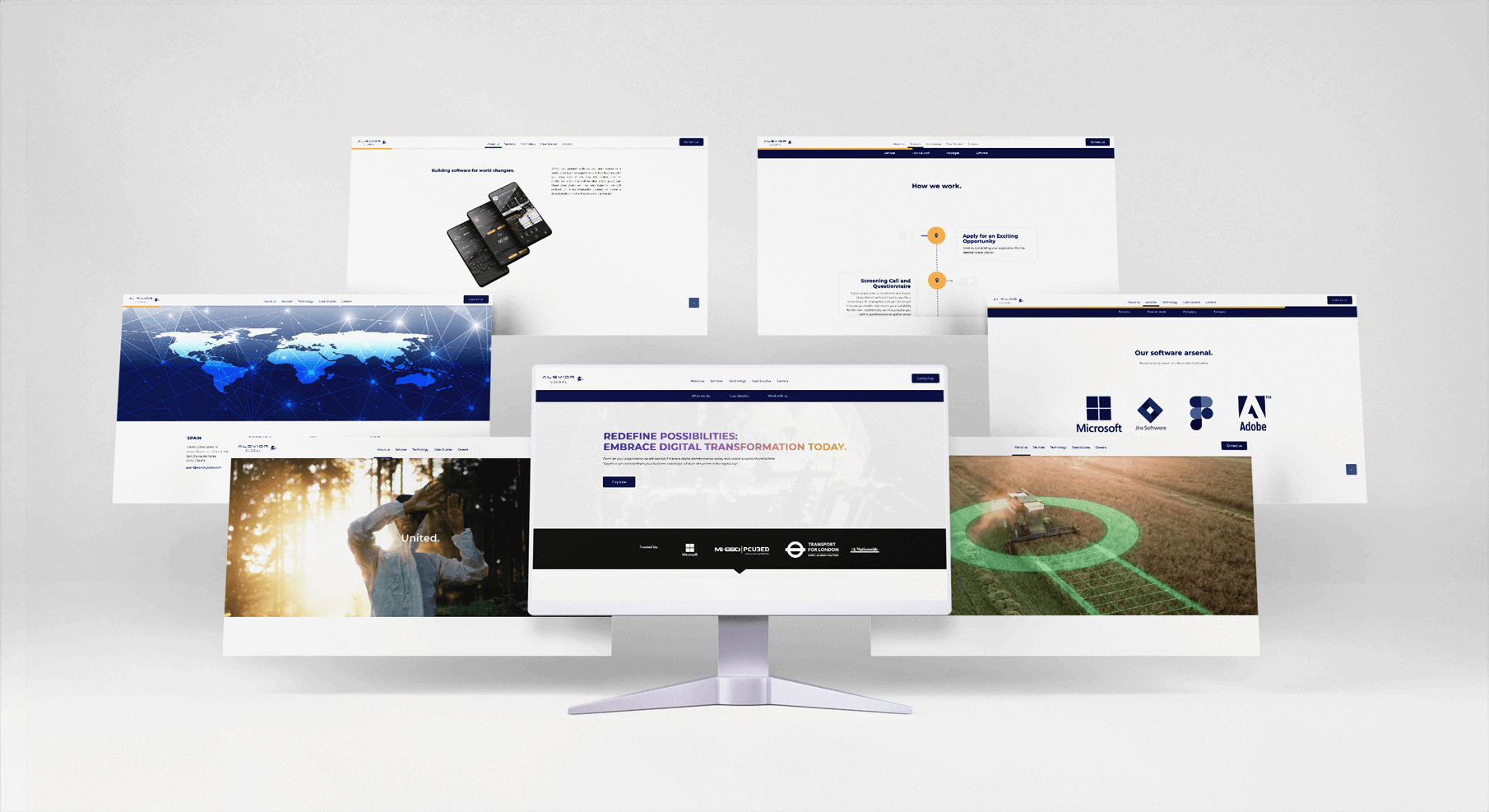
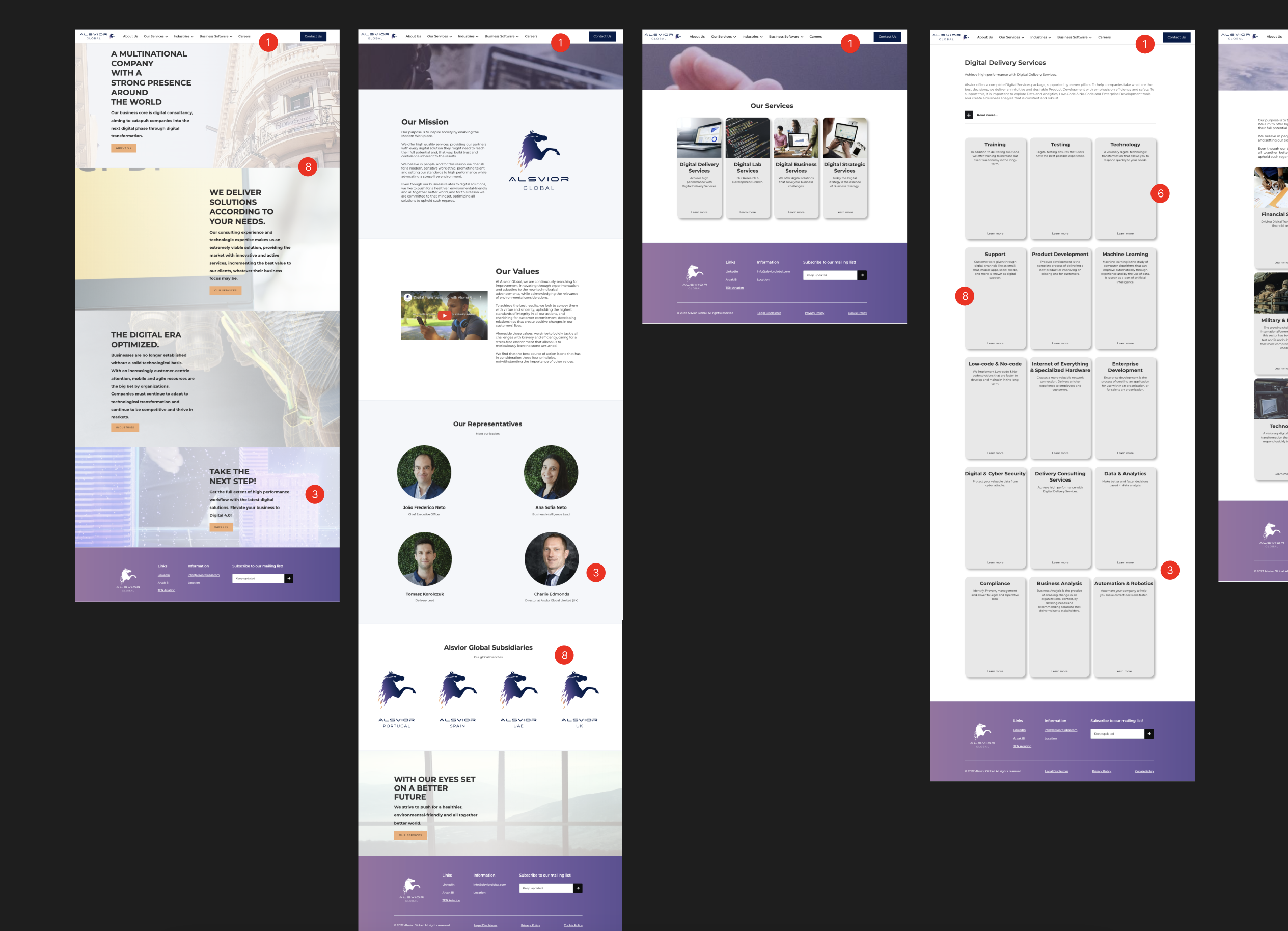
Redesign of the Alsvior Global website.

The process.

  • #1

    Heuristic Analysis

    Heuristic analysis is a cost-effective and relatively quick method for evaluating usability. These evaluation methods were applied to analyse the previous website, although these tests can be performed at any stage of the product design.
  • Research

    UX research is an iterative process. It’s essential to continuously gather user feedback and refine your product based on the insights you gain. Regularly reassess your research goals and adapt your methods as needed to ensure a user-centered approach. Tasks performed:

    Competitive Analysis
    Card Sorting
    Personas
    Project Goals
    User Interviews

    #2

  • #3

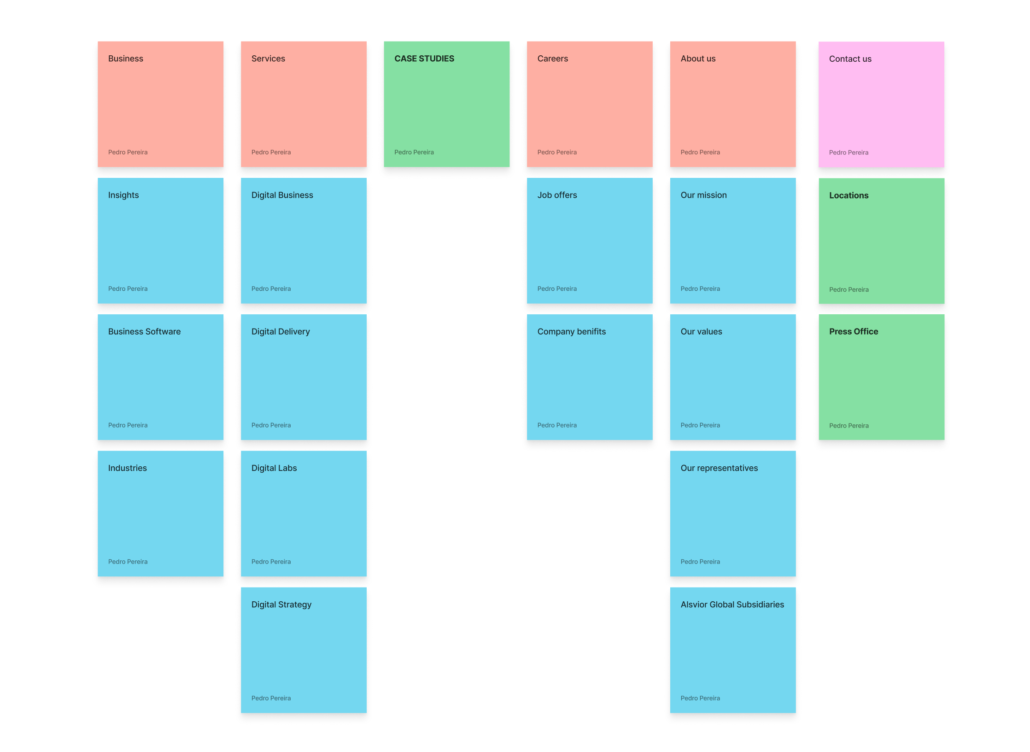
    Information Architecture

    By designing a thoughtful information architecture, you can make it easier for users to navigate and find the information they need, enhancing their overall experience for the user. Tasks performed:

    Features Roadmap
    User Interviews
    Sitemap

  • Interaction Design

    By focusing on interaction design, you can create digital experiences that are enjoyable, intuitive, and effective for users of your small company’s website, app, or product. Tasks performed:

    Task Flows
    User Flows
    Wireframes

    #4

  • #4

    User Interface

    UI design plays a critical role in creating an appealing and user-friendly experience.


  • Development

    The development was performed using a mix of content management platforms and HTML/CSS

    #5

Heuristic Analysis.

Heuristic analysis is a cost-effective and relatively quick method for evaluating usability. These evaluation methods were applied to analyse the previous website, although these tests can be performed at any stage of the product design.

  • Visibility System Status

    A visibility system status refers to the ability to provide clear and accurate information about the current state or status of a system to its users.

  • Match between Sytem & Real World

    The match between a system and real life refers to the degree to which a system’s design and behavior align with the expectations and mental models of users based on their real-life experiences.

  • User Control & Freedom

    User control freedom refers to the degree of autonomy and flexibility that users have when interacting with a system or software. It means providing users with the ability to freely navigate, interact with, and customize the system according to their preferences and needs.

  • Consistency & Standards

    Consistency standards in design refer to a set of guidelines and principles that ensure a cohesive and unified user experience across different elements and interactions within a system.

  • Error Prevention

    Error prevention is a principle in usability design that focuses on reducing errors and preventing mistakes from occurring in the first place.

  • Recognition rather than Recall

    The principle of “recognition rather than recall” is a fundamental usability guideline that aims to minimize the cognitive load on users by presenting information in a way that aids recognition rather than relying on users’ memory to recall information.

  • Flexibility & Efficiency of use

    A principle in user interface design that focuses on providing users with options and features that cater to different skill levels, preferences, and user goals. It aims to enhance the user experience by allowing users to interact with a system in a way that is most efficient and suitable for their needs.

  • Asthetics & Minimalistic Design

    Important principles in user interface design that focus on creating visually appealing and clutter-free interfaces.

  • Help users with errors

    Helping users with errors is an essential aspect of user support and enhancing the overall user experience.

  • Help & Documentation

    Help and documentation are crucial elements in supporting users and providing them with the necessary information to effectively use a system or product.

Research.

Timeline.

Timelines provide a visual representation of events, processes, or historical data. They help users grasp the chronology of events and understand the relationships between them more easily than through text or tables.
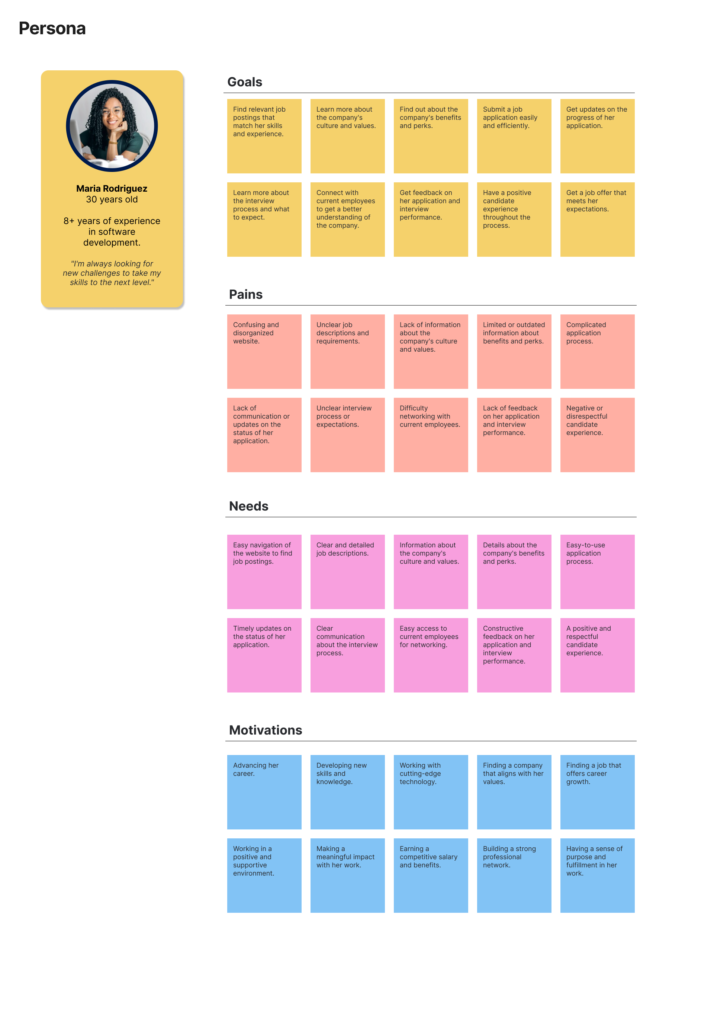
Personas.

Personas help shift the focus of design and development processes towards the needs and goals of users. By creating fictional but representative characters, personas embody the characteristics, preferences, and behaviors of real users. Design decisions can then be made based on user-centric perspectives.
User Interviews.

User interviews allow you to delve deeper into users’ needs, motivations, and pain points. By directly engaging with users, you can gather rich qualitative data that provides a deeper understanding of their preferences, challenges, and expectations.

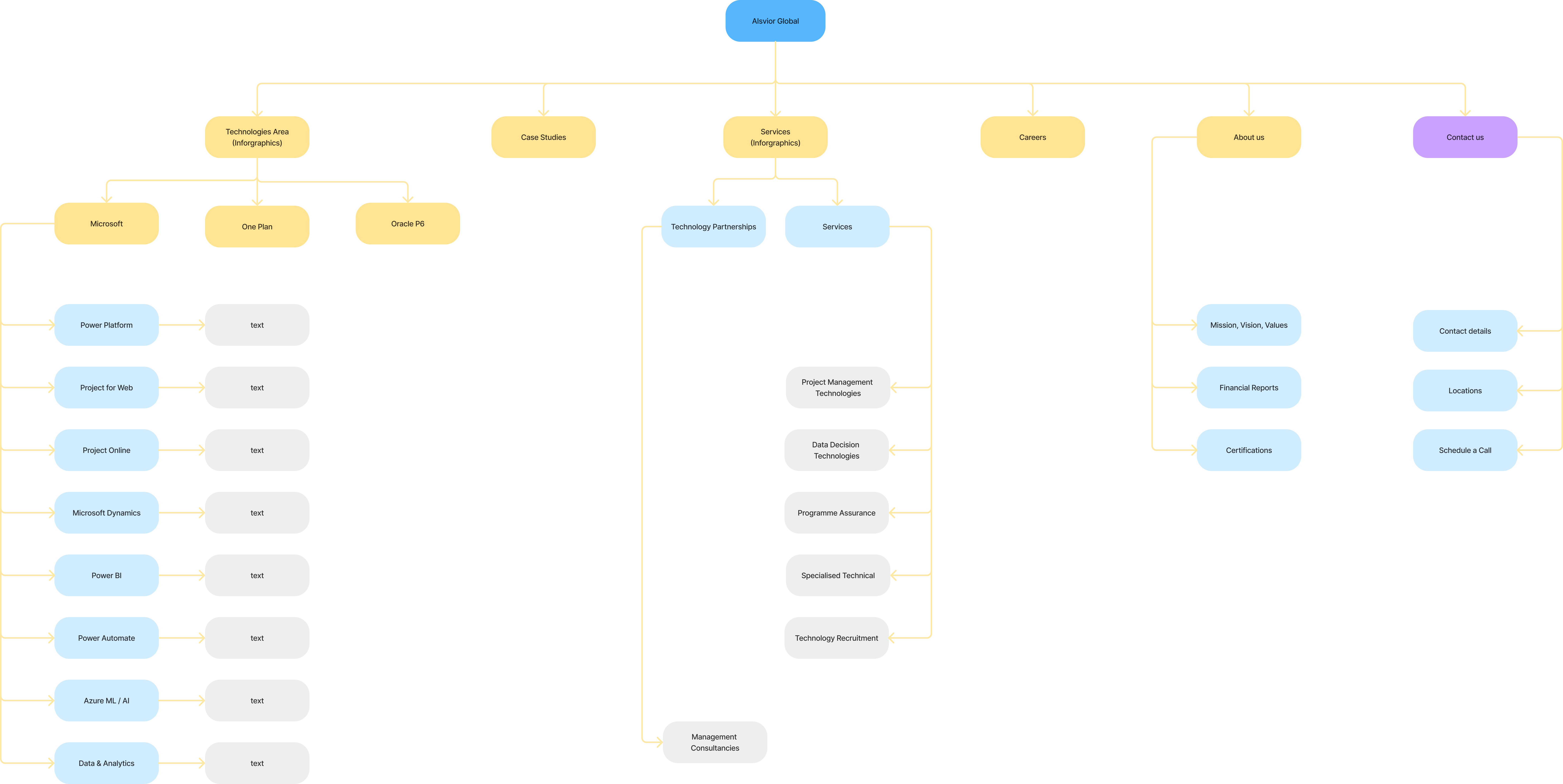
Information Architecture.

Information architecture helps organize and structure information in a way that is logical and intuitive for users. It involves categorizing and grouping content, defining navigation systems, and creating hierarchical relationships. A well-designed IA enhances findability and ensures users can locate information quickly and easily.
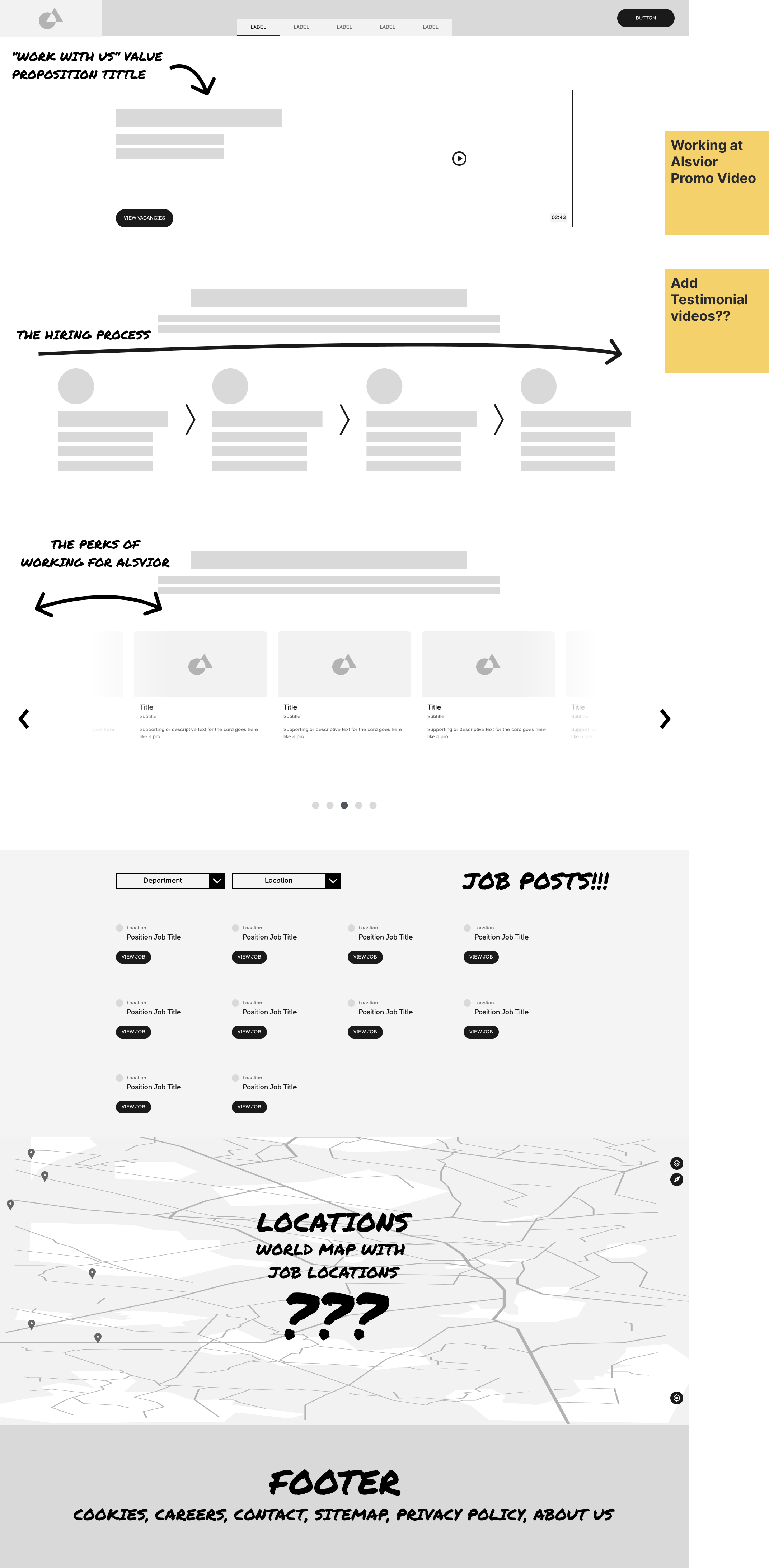
Interaction Design.

nterface design aims to create visually pleasing and engaging interfaces that attract and engage users. By incorporating aesthetics, color schemes, typography, and visual elements, designers enhance the overall user experience and create a positive impression.

User Interface.

Interaction design places the user at the center of the design process. It emphasizes understanding user needs, goals, and behaviors to create intuitive and user-friendly interactions. By considering user feedback and conducting user research, designers can create interfaces that meet user expectations and enhance the overall user experience.

Development.

Front-end development refers to the process of creating and implementing the user interface (UI) and user experience (UX) of a website or application.

HTML.

HTML is the fundamental markup language used to structure the content of web pages. It defines the elements and layout of the user interface, such as headings, paragraphs, lists, images, forms, and more.

CSS.

CSS is a style sheet language used to define the presentation and visual appearance of HTML elements. It controls aspects like colors, fonts, spacing, layout, and responsiveness, enabling designers to create visually appealing and consistent user interfaces.

JavaScript.

JavaScript is a programming language that enables dynamic and interactive elements in a web page. It is used to add functionality and behavior to the user interface, such as interactive forms, animations, event handling, and data manipulation.


The Tools:

Components:

Power Apps
Fast Development

Data Integration

Workflow Automation

Mobile Capabilities

Customisable
Main Features

Microsoft

Through its vast array of products and services, Microsoft enables seamless productivity, collaboration, and digital transformation.

Oracle P6

Oracle P6 is a powerful project management software that helps organizations plan, manage, and execute projects efficiently and effectively.

OnePlan

a cloud-based platform that combines project management, resource allocation, and collaboration tools to streamline project execution and enhance team productivity.

Icons:

The result:

© Copyright - Pedro Garcia Pereira